 Sleep
SleepHow it works
Create a baby wish list: never a duplicate gift again
Seven bodysuits, three cuddly toys and not quite the one thing you actually needed. A baby wish list solves that: you save your favourites, share one link, and everyone gives something that genuinely makes you happy.
Quick answer
You create a baby wish list at BabyMoshi for free and without an account: tap the heart on products you love, open your wish list and share the link via WhatsApp or email. Family and friends see a tidy, view-only list and pick their gift from it.
What is a baby wish list?
A baby wish list is a list of baby essentials you would genuinely like to receive as an expecting or new parent. Family and friends choose a gift from it instead of guessing. In France the 'liste de naissance' has been the norm for decades; elsewhere in Europe the wish list is quickly gaining ground, and rightly so.
The result: no duplicate gifts, no unused items in the cupboard, and givers who know their gift will land. That is more fun for both sides.
How do you create a baby wish list at BabyMoshi?
You need no account and it costs nothing. Your list is ready in three steps:
- Step 1: browse the shop and tap the heart on everything you love
- Step 2: open your wish list and choose 'Share as gift list'
- Step 3: send the link via WhatsApp, email or the baby shower group chat
Why does a list prevent duplicate gifts?
Without a list, ten people pick from the same three obvious gifts. With a list, the same ten people spread across ten different wishes. Your list steers the choice without you having to ask for anything.
Good to know: your list is yours. Visitors of your share link can only look, not add or remove anything. You can adjust your list at any time, and the share link keeps working.
Received a baby wish list? Choose well in minutes
Open the link, pick what fits your budget and check out. Write a personal gift message at checkout (free, printed without prices) and have the parcel shipped straight to the parents. Done in five minutes, and guaranteed no miss.
Often saved on wish lists
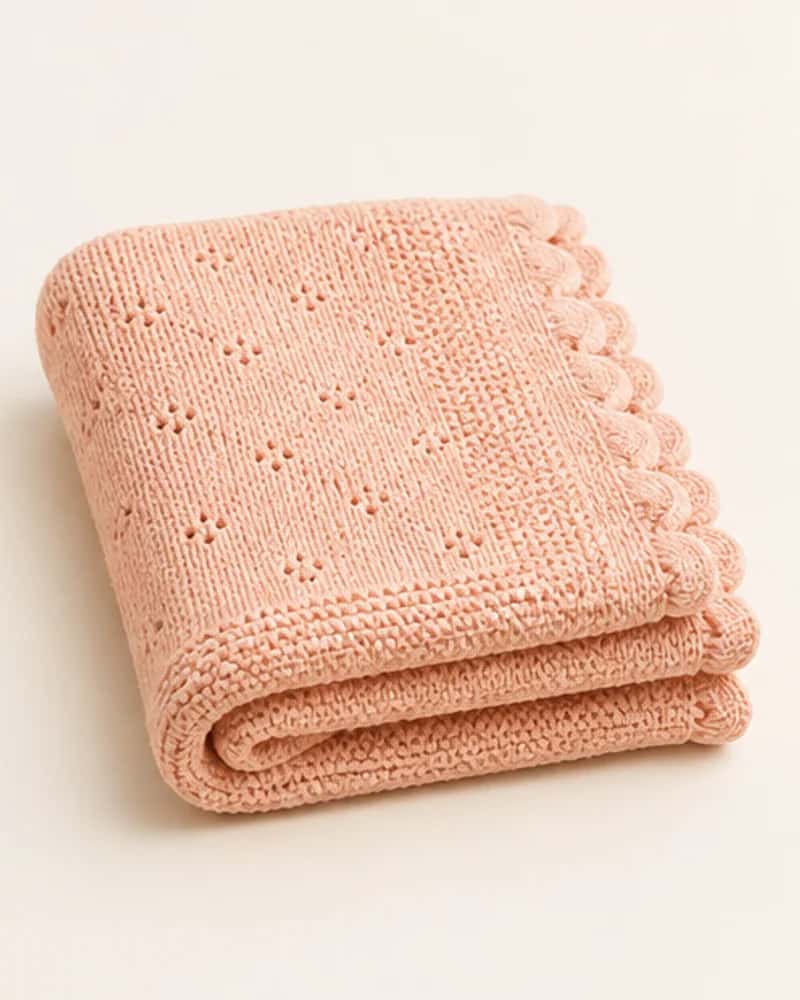
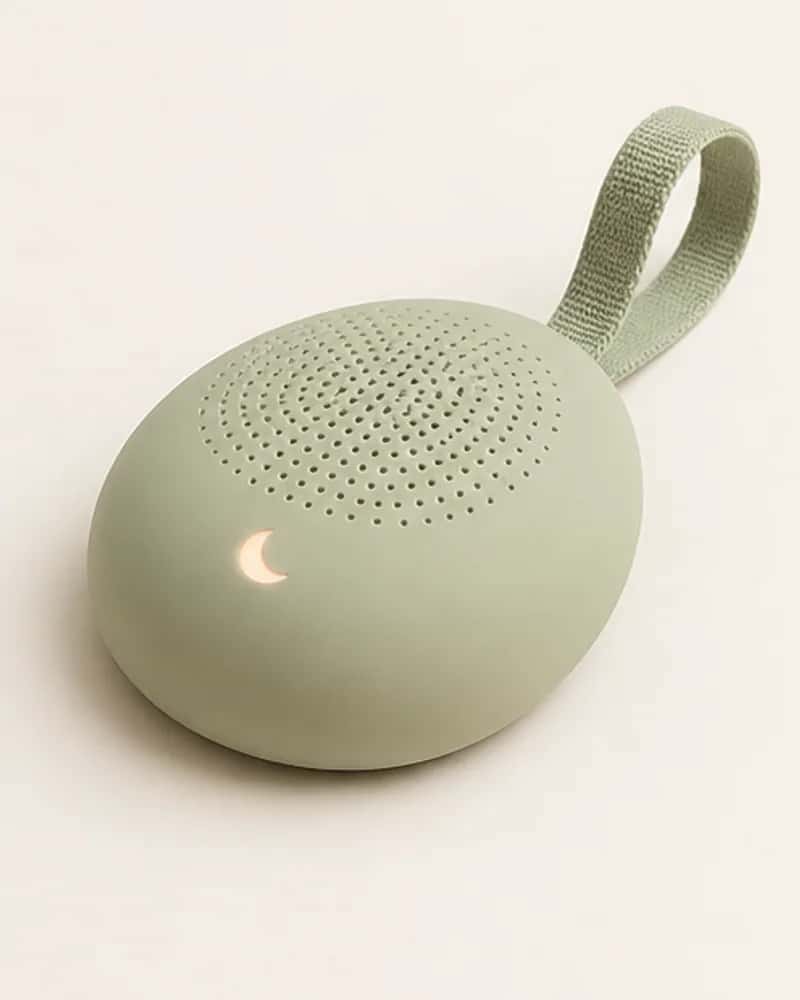
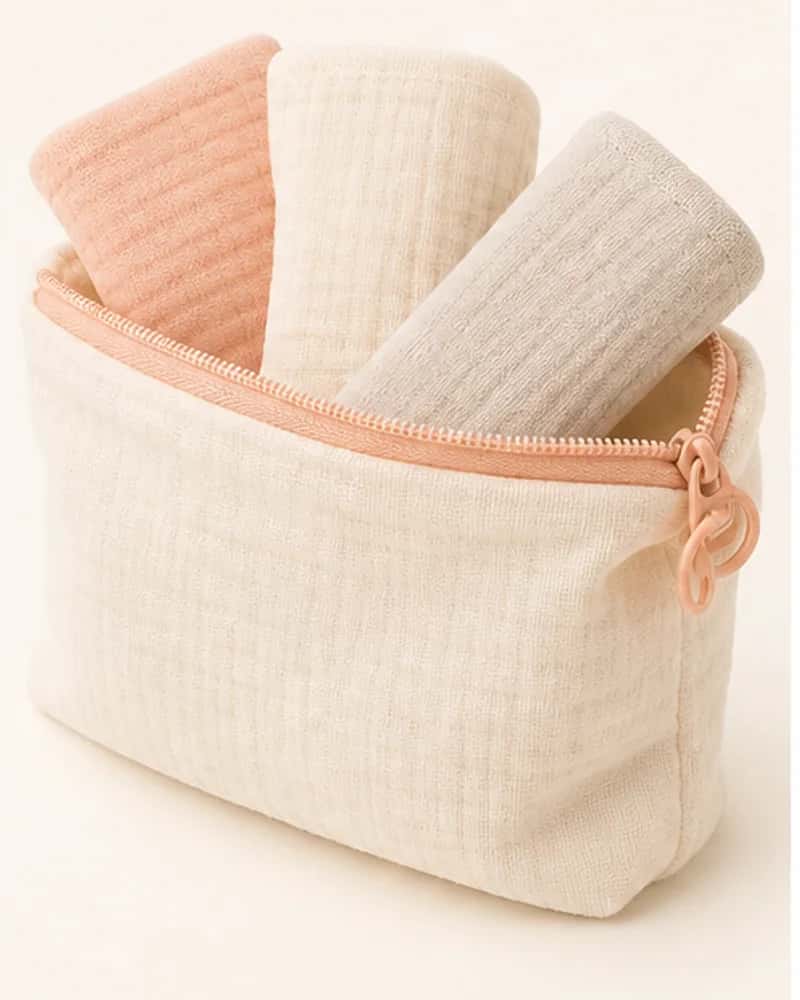
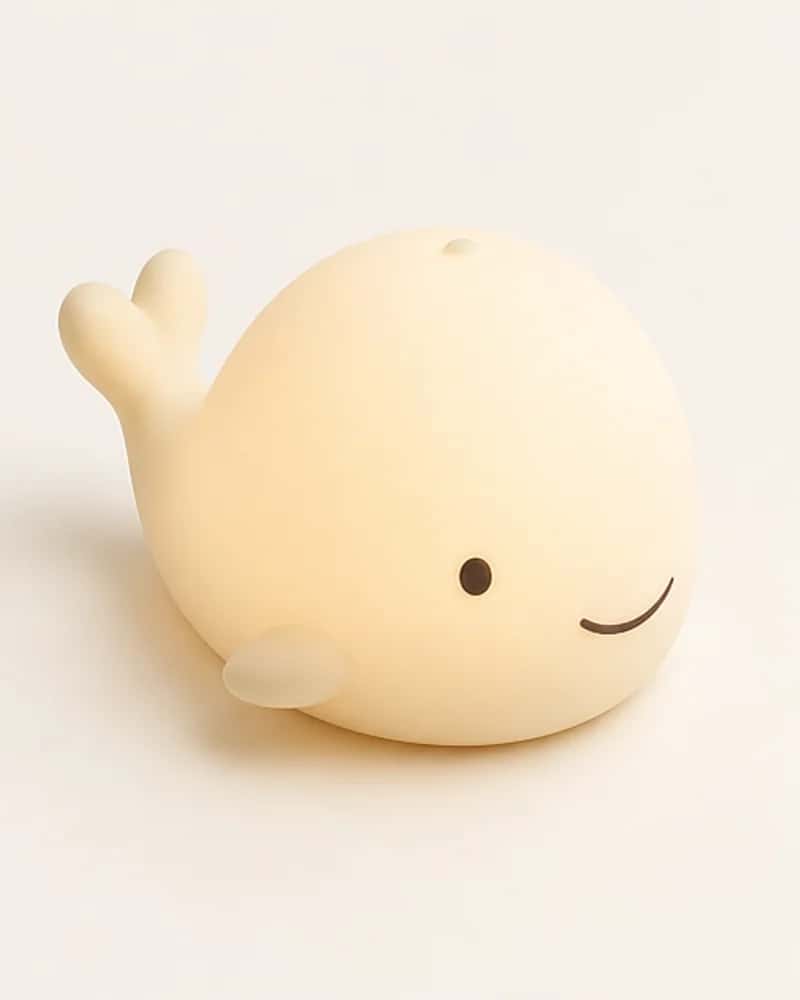
The four products saved most often: soft, used daily and lovely to give.
Ready to start?
Send the parents our baby wish list. They save favourites with a single tap on the heart and share the list through one link. You pick from it: never a duplicate, always a hit.
Open your wish listStill unsure? Ask Moshi
Answer three short questions about the baby and the moment, and our gift finder lines up the most sensible options for you.
Start the gift finderFrequently asked questions
Is creating a baby wish list free?
Yes, completely. The list costs nothing and comes with no obligations. Only whoever orders a gift pays for that gift.
Do I need an account for a baby wish list?
No. Your favourites are saved automatically on this device. When you want to share the list, one tap creates a share link. No password, no forms.
Can others change my list?
No. Anyone opening your share link can only view the list. Adding and removing is only possible for you, from the device where you created it.
How long does my wish list stay valid?
Your share link simply keeps working; there is no expiry date. The list lives on the device where you created it, so use that device to make changes.
Do givers see what has already been bought?
The list shows your wishes exactly as you saved them. Coordinate in the group chat who picks what, or let the baby shower organiser divide the wishes. That keeps the surprise intact.
Can I use the list for a baby shower too?
Especially then. Share the link in the baby shower group chat so everyone can pick something that fits their budget. For a group gift, our bundles with a 10% discount are a smart choice.
Helpful guides from our journal
Gifts & newborn days8 min read
Original newborn baby gifts: 15 ideas parents actually use
Fifteen original newborn gifts that new parents genuinely use, sorted by budget and situation. Including the gifts to skip and tips to make a simple gift personal.
Read the guide
Preparing & gear9 min read
Newborn essentials checklist: what you really need (and what not)
The complete newborn essentials list without pointless purchases: clothing, sleep, bath, feeding, care and out-and-about. Including what you can safely skip.
Read the guide
Gifts & newborn days8 min read
Gift for a 1 year old: what is genuinely fun (and safe)
The best first birthday gift: toys that match what a one year old can do, practical winners, lasting presents and what to check for safety.
Read the guide